icon-risacalc
RISACalc
The Perfect Calculator for Structural Design

Version 4 | $1,000/yr

CC-WLE-CA-4.2
WebsiteUI_crop
calc-share-1
risa-icon-wht-1

Reach an Engineer

Connect with the Experts.
We have the engineering staff ready to assist you.

  • Overview
  • Member Design
  • Foundation Design
  • Seismic Load Generator
  • Wind Load Generator

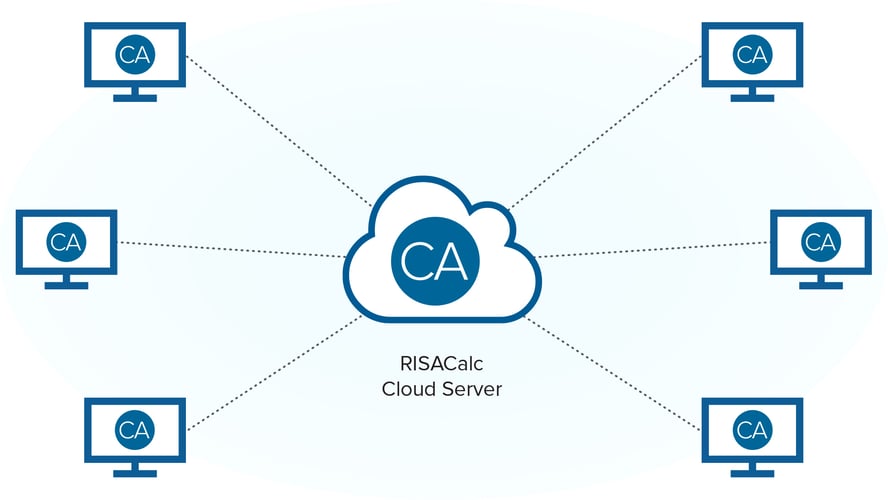
RISACalc’s web-based interface provides engineers with instant feedback while also allowing full control over inputs such as geometry, design information and loading. Easily create and share project files with your entire office. RISACalc allows engineers to completely visualize the analysis and design of a structural component.

Features:

  • Instant analysis feedback

  • Control geometry, loads, and design

  • Visualize component results

  • Share projects easily

  • Web-based access anywhere 

Graphically apply loads, including point loads and distributed loads anywhere on the beam. Automatically generate code based load combinations with the click of a button. Review and print comprehensive detailed reports of composite, wood, and steel beams, including expandable force diagrams and design calculations.

Features

  • Point Loads

  • Point Moments

  • Uniform & Tapered Area Loads

RISACalc uses state-of-the-art finite element mesh for analysis of subgrade elements. Automatically calculated soil spring stiffness based on soil subgrade modulus and slab tributary area to give realistic results. Include soil overburden and passive soil resistance when designing footings and retaining walls.

Features

  • Optimized Reinforcement

  • Soil Spring Stiffness

  • Auto Finite Element Mesh

Generate seismic loads on buildings and non-structural components according to ASCE 7 using RISACalc. Seismic System Factors can be selected from Table 12.2-1 or select Custom to use custom values. Canvas graphics help illustrate the elevation and weight of each floor.

Features

  • Elevation View

  • Seismic Factors

  • Site Details

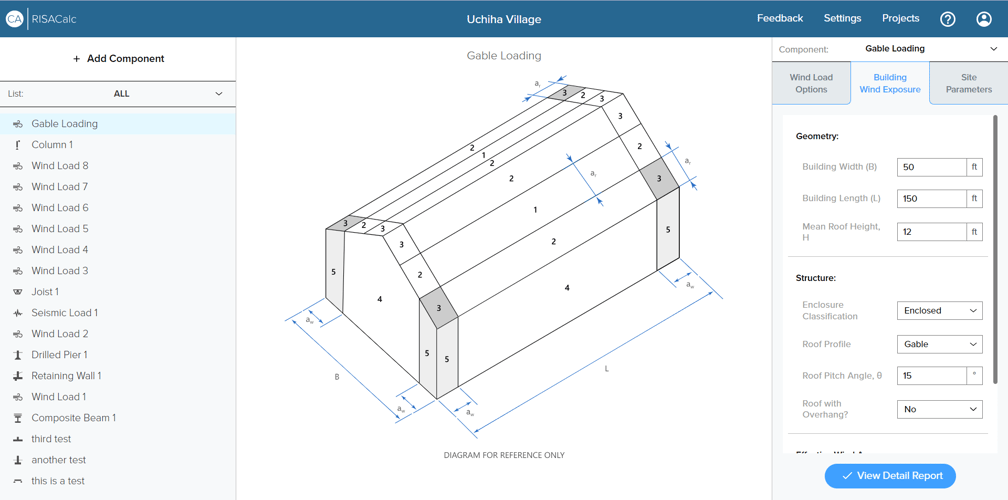
Generate wind loads on buildings and non-structural components according to ASCE 7 using RISACalc. Main Wind Force Resisting System (MWFRS) or Components & Cladding (CC) method can be selected for ASCE 7-10 and 7-16 . Canvas graphics help illustrate each floor's elevation for MWFRS and each roof profile from ASCE chapter 30 for C&C.

Features

  • Elevation View

  • Effective Wind Area

  • Site Details

RISACalc Support Resources

icons-videos

Videos

icons-codes

Design Codes

Frequently Asked Questions

Can’t find any answer for your question?
Ask our Customer Support

What is RISACalc used for?

RISACalc is a quick web-based, component-based calculation tool for designing and checking individual members such as beams, columns, and footings.

How is RISACalc different from RISA-3D?

Unlike RISA-3D’s full structural modeling approach, RISACalc focuses on fast, standalone design checks for specific components.

What materials can I design with in RISACalc?

RISACalc supports steel, concrete, wood, and masonry design using U.S. building codes.

Can I save or share calculation reports?

Yes, RISACalc produces detailed PDF calculation reports that can be saved, printed, or shared for submittal documentation.

How do I access RISACalc?

RISACalc is available as a separate cloud-based application that can be accessed through the RISA Building Portal with an active subscription.